Message Feedback
Users can now rate and provide feedback on AI responses directly in the chat. This feedback is visible in the conversation view, helping you identify which responses are working well and which need improvement. You can also copy message content for easier sharing or analysis.Conversation Filtering
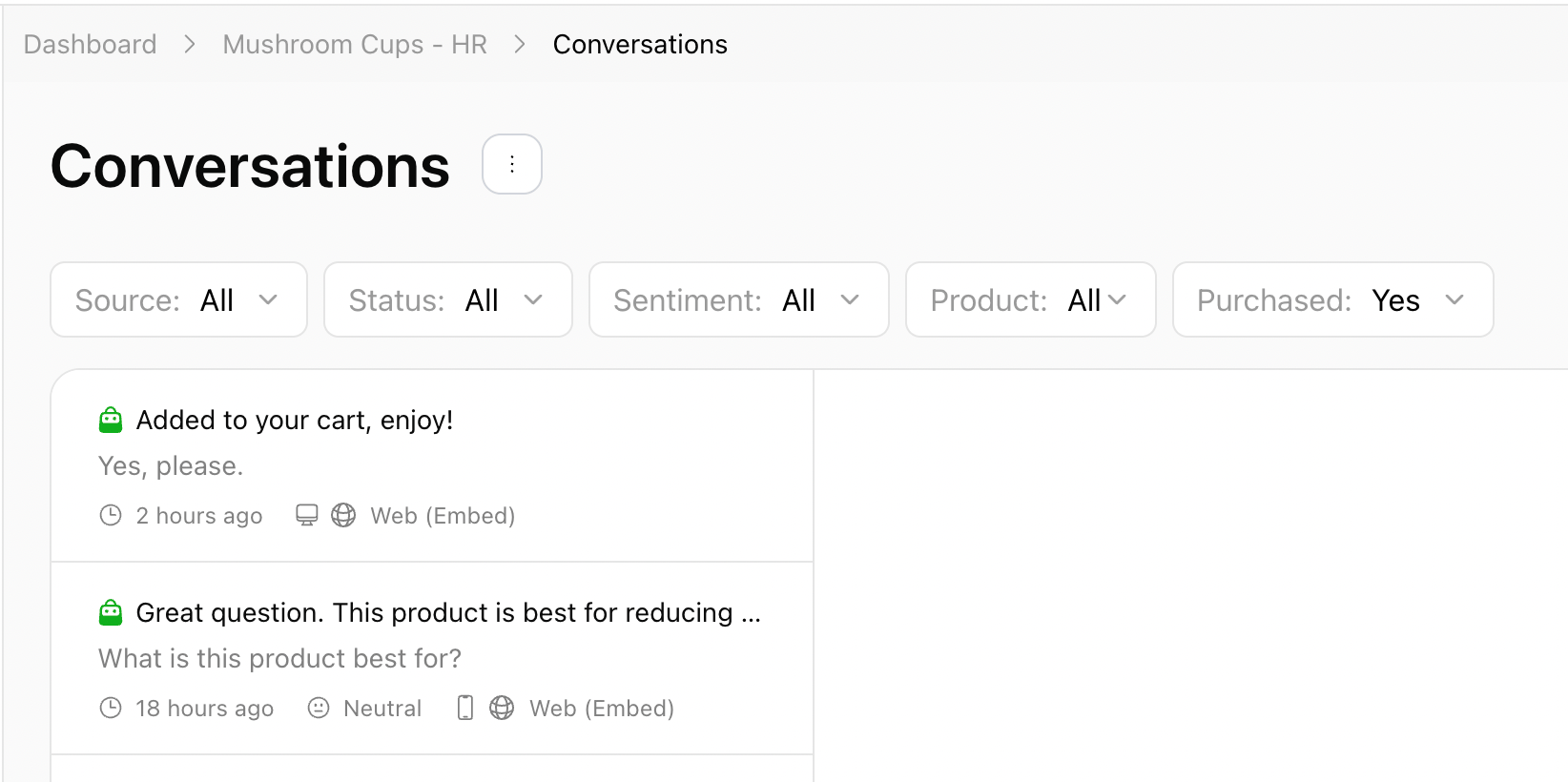
Conversations can be sorted by:- Source: Web (Preview), Web (Embed), Telegram, WhatsApp, Email
- Status: Unread, Read
- Sentiment: Positive, Neutral, Negative
- Product: All listed products
- Purchased: Yes, No
- When it was sent
- The sentiment detected
- The platform it came from
Revise answers for better future replies
If a response isn’t ideal, click Revise Answer to provide a better version. The AI agent will remember your revision and use it for similar questions in the future. The original message history will stay the same, but future responses will reflect your updated version, helping the agent get smarter with every correction.
Purchase Indicator
In addition to reviewing customer questions and AI agent replies, you’ll also see a purchase indicator that highlights which conversations directly led to a sale.- These chats are differentiated from regular conversations, making it easy to spot the ones that ended in revenue.
- The indicator helps you quickly identify which customer interactions were most effective in driving purchases.
- By analyzing these conversations, you can learn what answers, product recommendations, or guidance contributed to a sale, and apply those insights to improve future interactions.