> ## Documentation Index
> Fetch the complete documentation index at: https://docs.totebot.ai/llms.txt
> Use this file to discover all available pages before exploring further.
# Meta Integration
> Connect Totebot with Meta (Facebook & Instagram) for retargeting
The Meta integration is a tracking & analytics integration that enables you to track customer interactions and retarget them on Facebook and Instagram. By connecting your Meta Pixel and Access Token, Totebot can send user activity data from chat conversations back to Meta, helping you reach those same users again through ads.
To access this integration, navigate to **Integrations** → **Meta** in your dashboard.
When customers interact with your agent (e.g., view products, add to cart, or show interest), those actions are tracked as events. These events are then sent to your Meta Ads Manager, where you can:
* **Build retargeting audiences** (show ads to people who are already engaged with your agent).
* **Create lookalike audiences** (find new people similar to your engaged users).
## Connecting Meta
Go to **Integrations** → **Meta** and click **Connect**.
Paste your **Pixel ID** and **Access Token**.
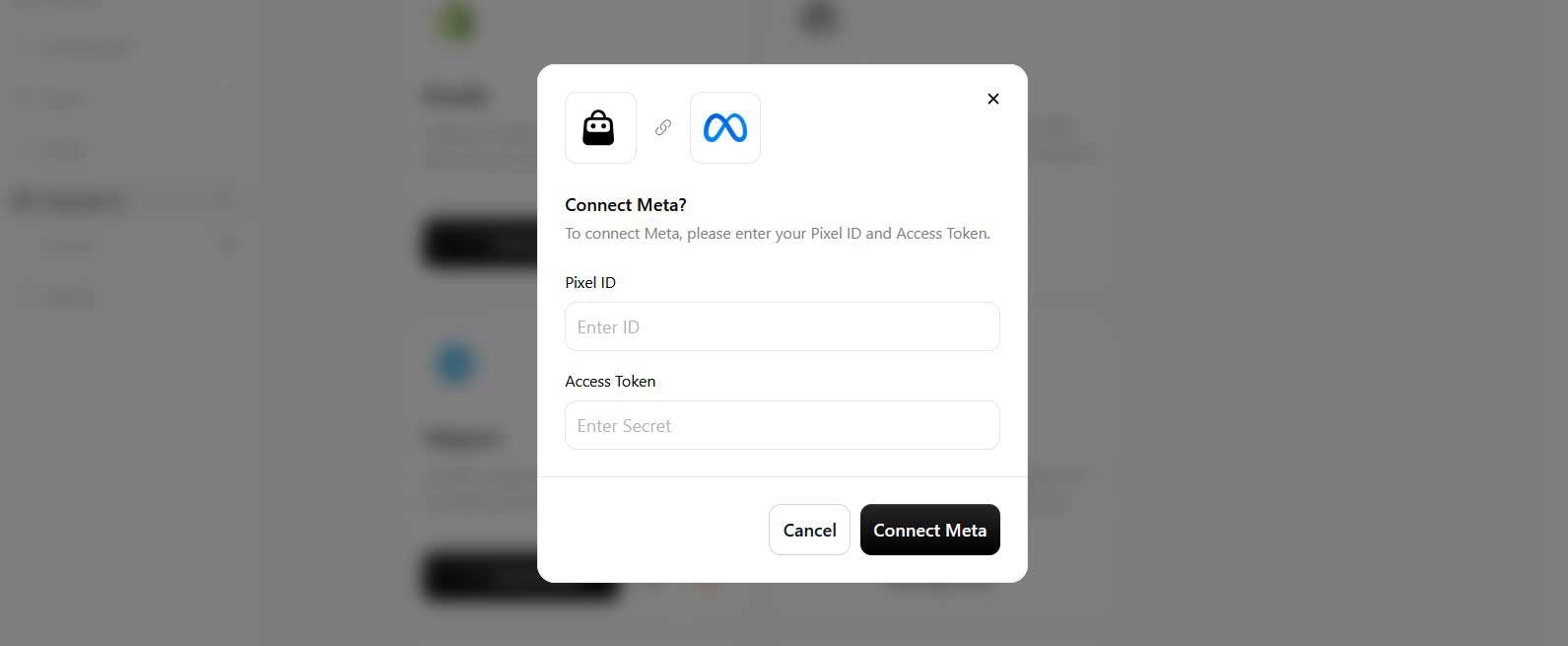 Click **Connect Meta**.
 Important: Treat the access token like a password and don't share it publicly.
## Configuring Events
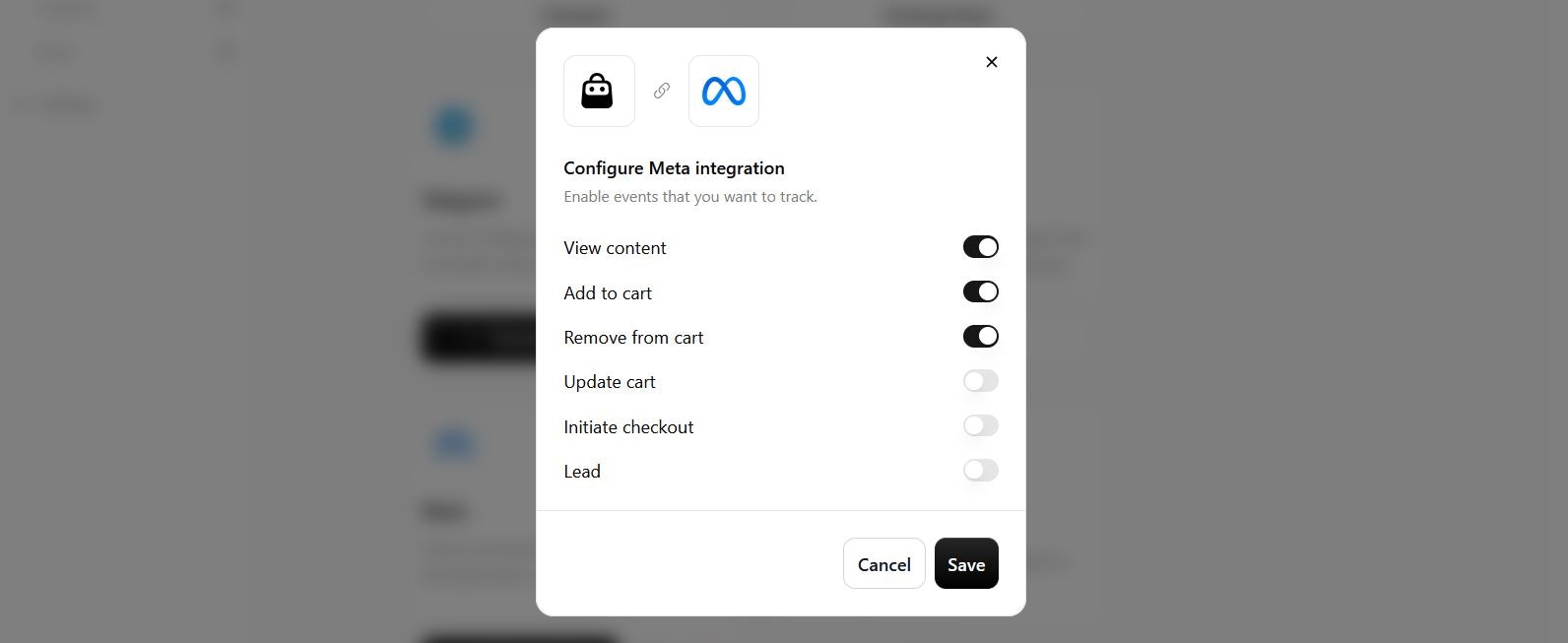
Once connected, you can select which events your agent should track and send to Meta. Available options include:
* **View content**: when a user browses or requests product details.
* **Add to cart**: when a product is added to their cart through chat.
* **Remove from cart**: when an item is removed from the cart.
* **Update cart**: when changes are made to the cart (quantity, size, etc.).
* **Initiate checkout**: when the checkout process is started.
* **Lead**: when a user submits contact info (e.g., email, phone, company).
Important: Treat the access token like a password and don't share it publicly.
## Configuring Events
Once connected, you can select which events your agent should track and send to Meta. Available options include:
* **View content**: when a user browses or requests product details.
* **Add to cart**: when a product is added to their cart through chat.
* **Remove from cart**: when an item is removed from the cart.
* **Update cart**: when changes are made to the cart (quantity, size, etc.).
* **Initiate checkout**: when the checkout process is started.
* **Lead**: when a user submits contact info (e.g., email, phone, company).